Start Construction With the Building Tool
Buy the Building Tool for $50 and equip it to start placing structures in Moon Sweepers. Large machines can span foundation seams, and removal can return less than you paid, so check the demolition preview before committing to a rebuild.
Buy the Tool and Place a Structure
- Purchase the Building Tool for $50 to gain access to its construction options.
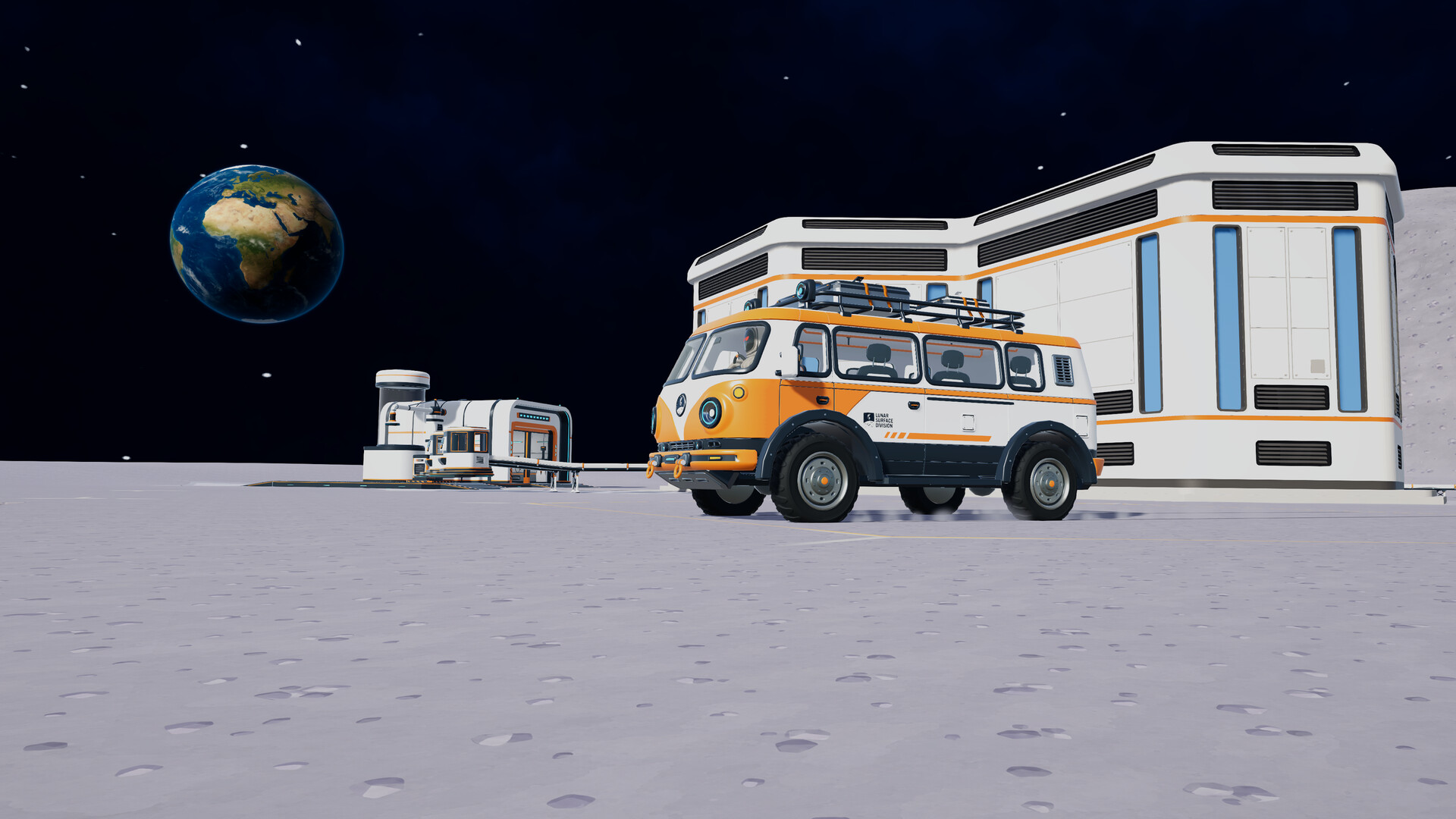
Sweep the intended building area to prepare clean ground before attempting placement.Playing this video connects to YouTube.
- Equip the Building Tool so you can use its construction interface.
Right-click while holding the Building Tool to open the build menu.Playing this video connects to YouTube.
- Choose your intended structure from the appropriate construction category, including Logistics, Production or Power, to prepare its placement.
- Orient the structure's ports toward your intended connection route so the placement fits the layout you want.
Left-click when satisfied with the position to place the selected structure in the world.Playing this video connects to YouTube.
Choose the job for the structure before committing to its position. For machinery, consider where the incoming and outgoing routes should run; for a Garage, think about the approach you want to use. Check those relationships before filling the surrounding space with more construction.
Fit Large Machines Across Foundation Seams
Patch 1.0.3 allows machines to stand across multiple foundations, including Pressure Chambers, Stone Presses and Garages on square foundation layouts. Their footprints can cross the seams instead of remaining wholly inside a single foundation. Older launch advice requiring these large structures to stay within a foundation has been superseded.
- Use adjoining foundations to accommodate a Pressure Chamber, Stone Press or Garage whose footprint crosses a seam.
- Inspect the intended port orientation before committing to the surrounding Conveyor route.
- Leave room for the routes and approaches you intend to use, rather than planning only around how tightly the buildings fit.
Remove Structures Without Misjudging the Refund
The Building refund discussion describes partial refunds and the expense of rebuilding to correct awkward orientation. A documented removal example returned $150 for a structure that cost $200, so demolition can leave you short of the replacement cost. That example does not establish the refund for every structure; inspect the preview on the actual piece you want to remove.
Enter Remove Mode in the building interface to prepare for dismantling the unwanted structure.Playing this video connects to YouTube.
- Read the structure's removal preview to judge its refund before committing to demolition.
Remove the unwanted structure once you have decided the refund makes the revised layout worthwhile.Playing this video connects to YouTube.
Sketch out the replacement position before removing expensive equipment. If the existing layout still serves its purpose, consider whether a different connection route would solve the problem without replacing the building. Keep enough money available to finish the revised arrangement instead of relying on the refund to fund everything.
Replace a Garage and Keep Your Vehicles
Patch 1.0.3 prevents Garage demolition from deleting the vehicles kept there. Those vehicles move to another Garage or wait until you build the next Garage. If you remove your only Garage, plan the replacement around where you next want access to your fleet.
Your existing vehicles work at every Garage. Any Garage can recall, store and upgrade them, and you will not be offered a vehicle you already own. When expanding your base, use another Garage as an access point for those vehicles rather than planning around repurchasing them for that location.
Check the Problem Before Rebuilding
Placement blocked on dusty ground: sweep the intended building area, then try placing the structure again.Playing this video connects to YouTube.
- Capsules stop along a new route: follow their movement to the point where they stop and inspect that connection before replacing the whole setup.
- Production stops after sunset: inspect stored energy and total power demand before dismantling machinery that worked during daylight.
- J.O.O.N.A.S stops when you move away: the developer still acknowledges this distance bug, so do not assume changing its placement will solve the stoppage.
Coordinate Construction With Your Crew
Patch 1.0.3 makes upgrades use the host's upgrade matrix across the crew. Anyone's upgrade purchase benefits everyone, and older saves retain the highest level previously bought. Coordinate purchases around the construction job you are tackling together.