Flag and Survey Rewards
Untangling a flag can award $100 in Moon Sweepers, while completing a lunar survey can award $250. The Moon Map has separate flag and surveyed-site counters alongside station information, so you can track exploration separately from Dust cleaning.
What to Collect and How to Claim It
| Discovery | Reward | How to Collect | Map Progress |
|---|---|---|---|
| Tangled flag | Example payout: $100 after untangling a flag. | 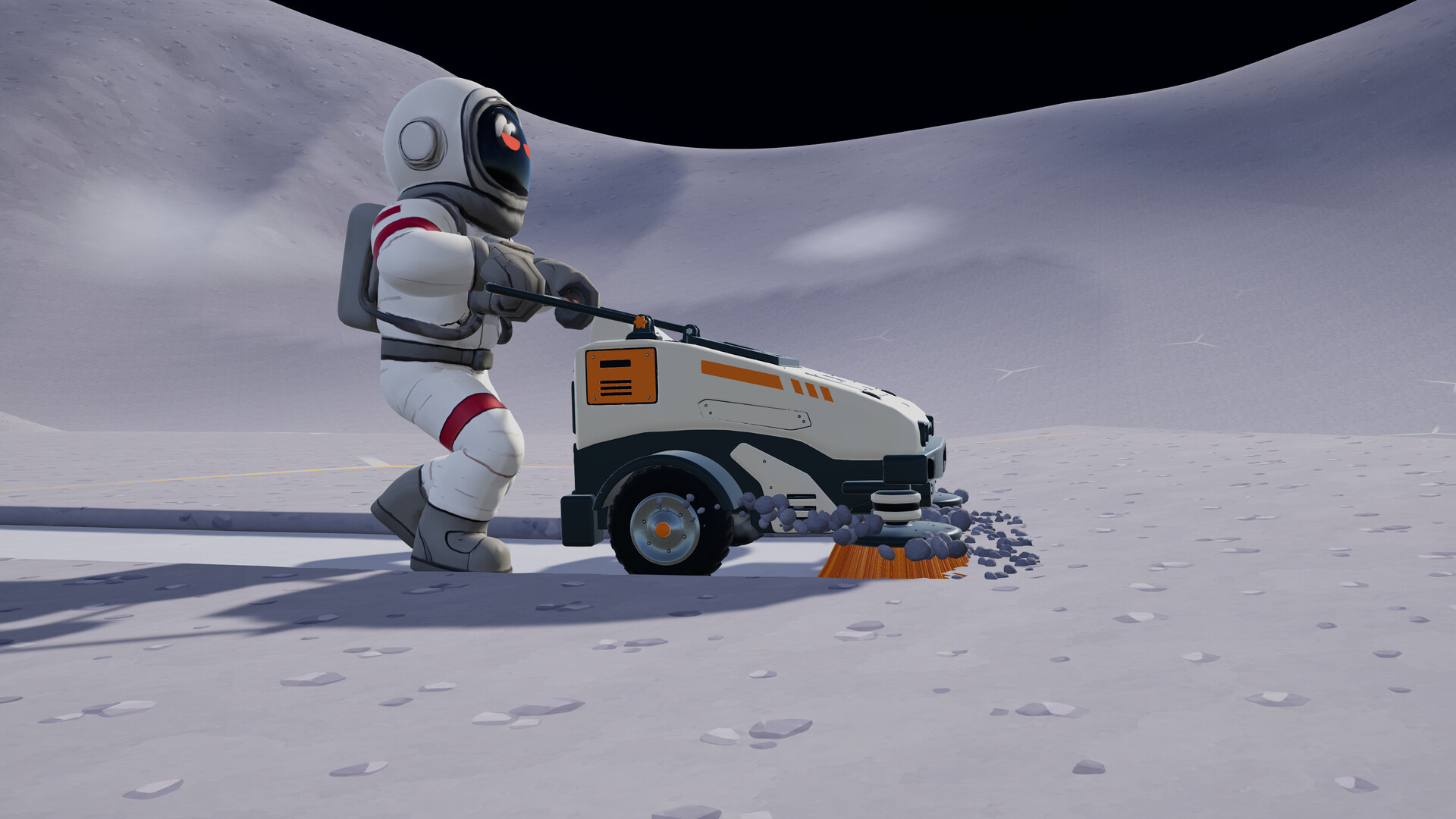 Hold E to untangle and raise the flag. Watch the interaction finish before moving on.Playing this video connects to YouTube. | Check the dedicated flag counter rather than the cleaning progress display. |
| Lunar survey site | Example payout: $250 after completing a lunar survey. | Hold E to survey the site. Confirm that the survey completes before leaving.Playing this video connects to YouTube. | Check the surveyed-site counter, which is separate from the flag counter. |
Use these payouts as a reference when weighing a detour, especially while your cleaning income is still modest. A nearby flag can be worth stopping for on a trip you already planned. Once your production is earning efficiently, weigh a long journey against what you could accomplish closer to the station.
Read the Exploration Counters and Navigation Markers
Open the Moon Map at a station's main console before setting out. Its flag and surveyed-site counters help you identify which kind of exploration progress you are checking. Look at the relevant counter when reviewing a trip instead of judging discoveries by how much ground you cleaned.
Use the Moon Map's waypoint system to give a distant trip a clear destination. The updated compass distinguishes dust stations, crewmates, waypoints and the sector readout with separate colors. Keep your waypoint and station information in mind together, so your next discovery does not leave you guessing where to return.
Prepare a Route You Can Finish
A vehicle makes distant exploration more practical because you can cover ground while collecting Dust. Combine a trip with nearby flags or survey sites, then return with material to deposit. If you still have a small brush and convenient unfinished hexes beside the station, keep earning locally before committing to a long journey.
- Choose a known station or a working unloading route for the return journey.
- Check your available carrying capacity before extending a cleaning trip farther from the station.
- Test the vehicle's collector pad and outgoing Conveyor before relying on them to handle a full load.
- Pick a manageable destination and leave room in your plan for the journey back.
Collect a Discovery and Return With Your Dust
- Set your destination on the Moon Map. Use a waypoint to keep the trip focused, and identify your intended station or unloading route before leaving.
- Travel through ground you can usefully clean. Take nearby flag or survey detours along that route rather than making every discovery a separate expedition.
At a tangled flag, hold E to untangle and raise it. Finish the interaction rather than driving past it or only cleaning the surrounding Dust.Playing this video connects to YouTube.
- Return through your planned delivery route and deposit your collected Dust. Material held in your tool is not sold automatically; it needs to reach the Depot's receiving system.
- Review the flag and surveyed-site counters on the Moon Map. Use that exploration progress to decide what to seek on the next trip, alongside the cleaning areas you still want to finish.
Check the Interaction, Delivery Route and Distant Robots
If a discovery does not seem to have counted, return to the object and check its interaction. A flag needs untangling, while a lunar site needs surveying; cleaning nearby ground is a different activity. Confirm completion at the object before using the map counter to review the trip.
If you reach a distant station area with a full vehicle, establish the actual unloading route before planning more collection there. Station information on the map and a constructed collector are different things. A collector pad's stored Dust still needs a working Conveyor output, so check delivery as well as unloading.
If J.O.O.N.A.S stops working while you explore, the developer acknowledges an issue where these units stop when players move away. Avoid budgeting for continuous robot earnings throughout a distant trip. Return and inspect the operation before basing your next purchase on money you expected it to make.
For equipment planning, upgrades use the host's shared upgrade matrix, and anyone's upgrade purchase benefits the crew. Any garage can call back, store and upgrade your vehicles. Check those existing options before treating an exploration trip as a reason to buy replacement equipment.